Image
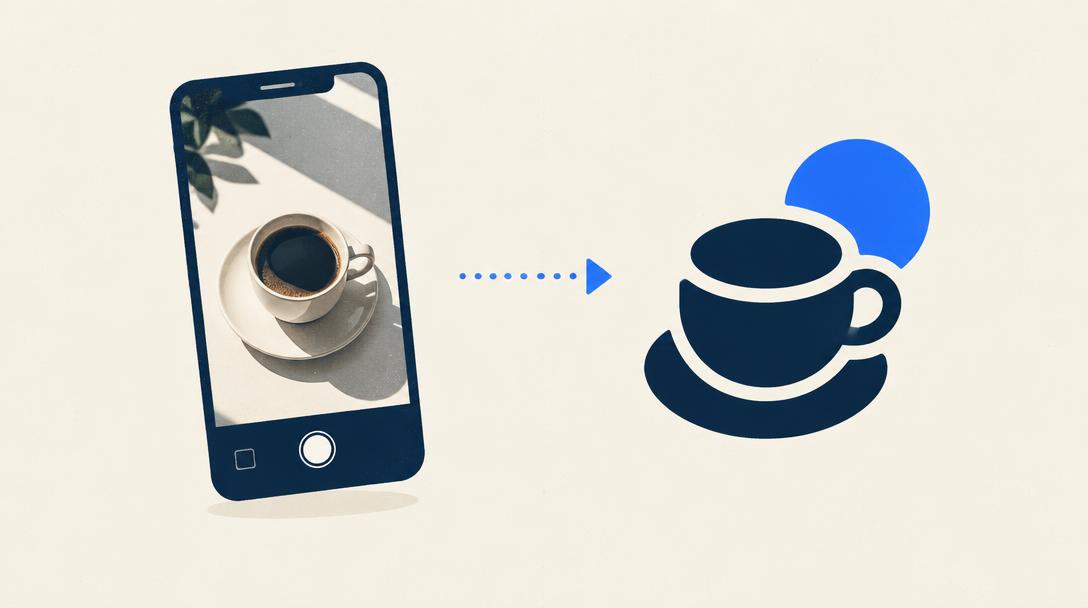
Remove any background in one click
September 18, 2026 1 min read
What you need
- Leonardo AIFree
Time required: about 1 minutes.
Steps
- 1
Open your image tool's background remover.
- 2
Upload the photo and run the removal.
- 3
Download the PNG with transparency.
Get one tutorial like this every week
Common mistakes & tips
- Export as PNG . JPG fills the background back in.
Want more of these?
One tutorial, three quick wins and a prompt worth stealing. Every Tuesday.
Free: 50 AI prompts that save hours
Every Tuesday. Unsubscribe anytime.